
Clip any moment of a long YouTube live
Live replays, podcasts and 3-hour videos: paste the link, jump to the moment with the preview and download only the minutes you need, up to 4K.
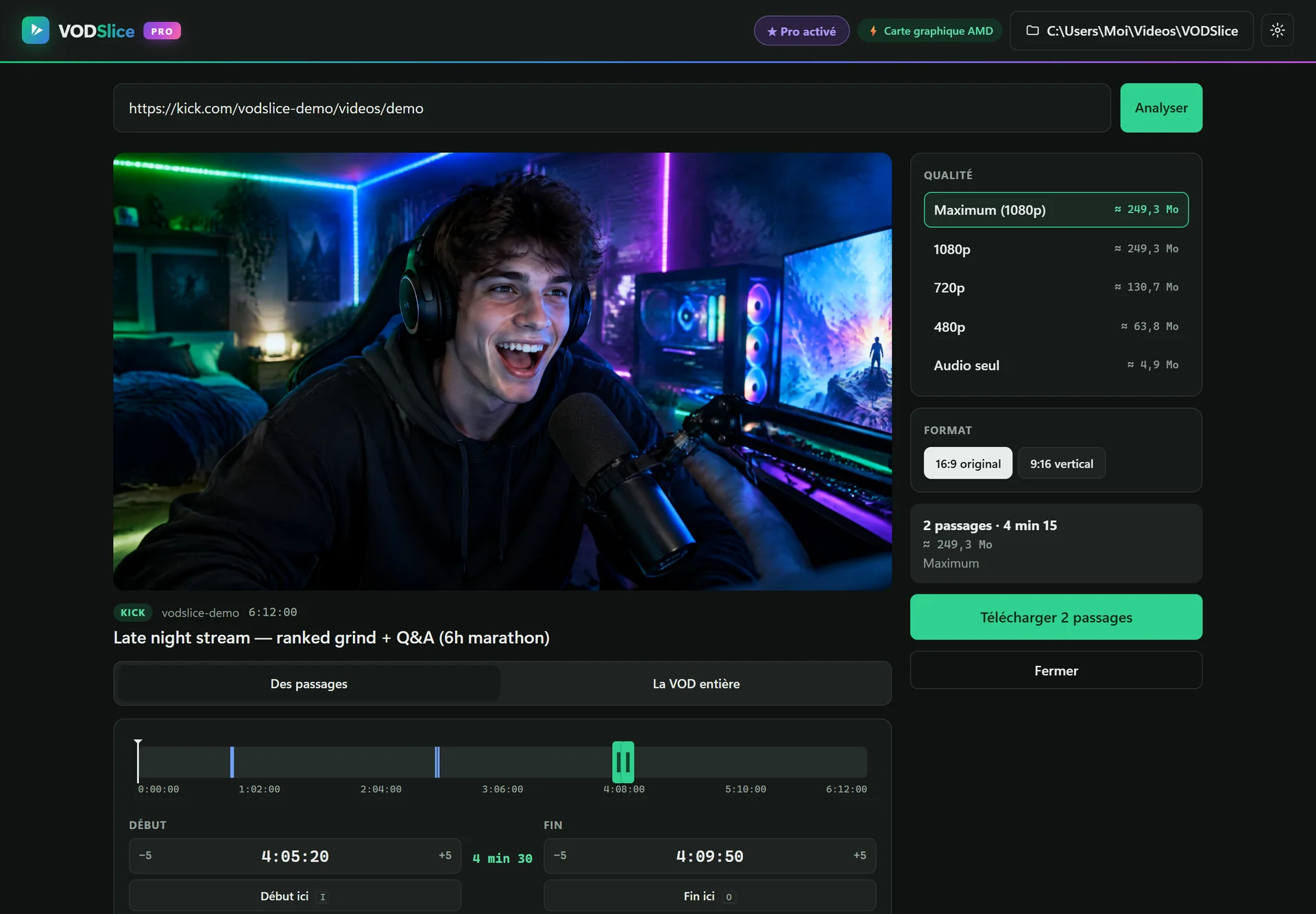
Made for long videos, not 5-minute ones
Downloading a 4-hour YouTube live replay to keep one segment is slow and fills your disk. Many online tools also refuse long videos.
VODSlice fetches only the selected range, keeps the original quality and can export it vertically for Shorts. Paste a link with a timestamp (&t=3600) and the preview starts right there.
Clip any moment of a long YouTube live
Copy the YouTube link
Any public video, live replay or podcast episode works, including links with a timestamp.
Preview and select
Find the moment in the built-in player, then set the start and end.
Choose format
Original 16:9 or vertical 9:16 with a blurred background or a full-screen crop.
Download
Get an MP4 (or an M4A audio file) of just that part.
FAQ
Can I download only the audio?
Yes, choose “Audio only” to get an M4A file of the selected part, handy for podcasts.
Does it support 4K?
Yes. VODSlice Pro downloads the maximum quality available, including 1440p and 4K.
Do I need a YouTube account?
No. VODSlice works with public videos without signing in.
What about copyrighted videos?
Only clip videos you own or have permission to reuse, and respect YouTube’s terms of service.